
Best 3D Pen For Kids
This post may contain affiliate links. As an Amazon Associate, I earn from qualifying purchases.
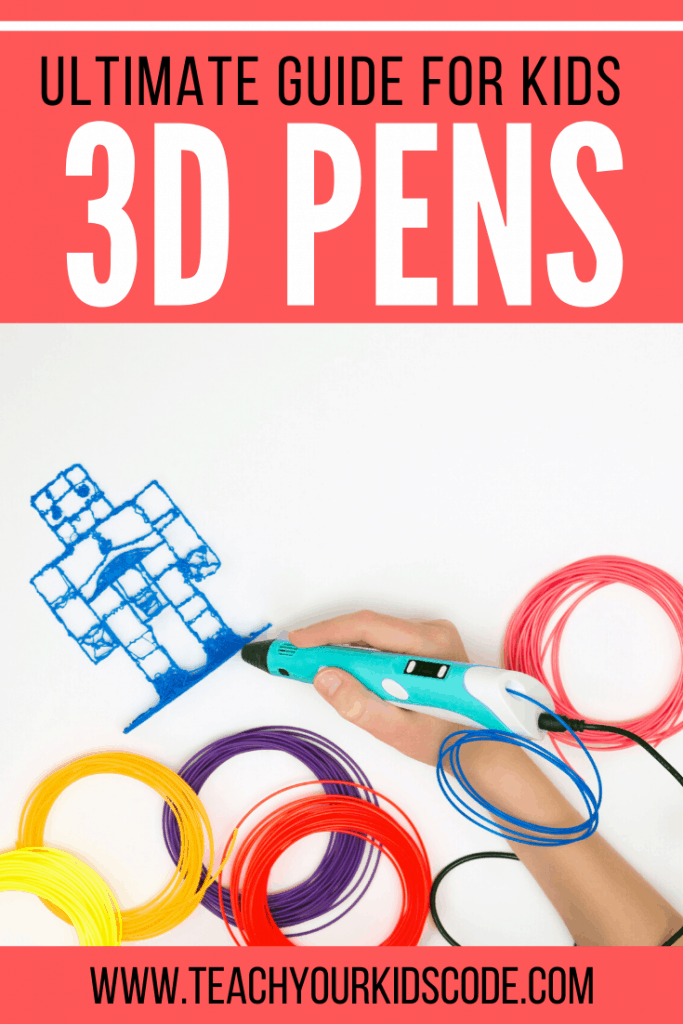
If 3D designing is your jam, you might be interested to know that there is something out there called a 3D Pen! There are lots of really cool ways to use 3D pens and this article is going to break down the best 3D pen for kids.
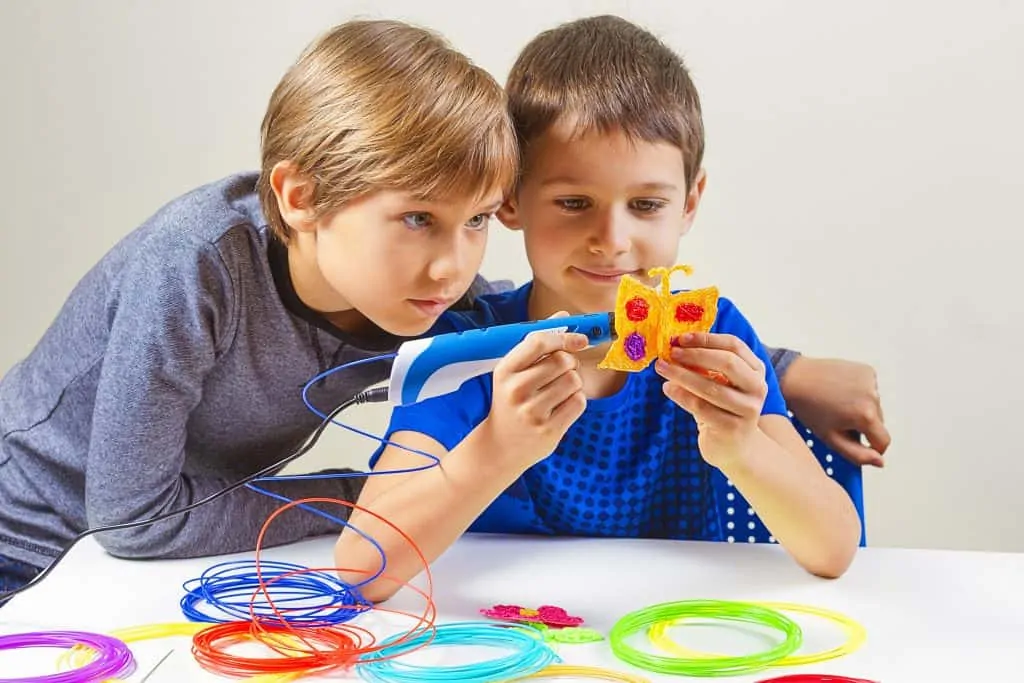
The name is a bit deceiving because I wouldn’t call this a pen! The filament(plastic) melts out of the heated tip of the pen like a mini hot glue gun. This melting process allows the user to create all kinds of never-before-possible 3D objects!
However, as the parent of a budding 3D Artist, there are some considerations to keep in mind.
All About 3D Pens for Kids – What to Know Before You Buy!
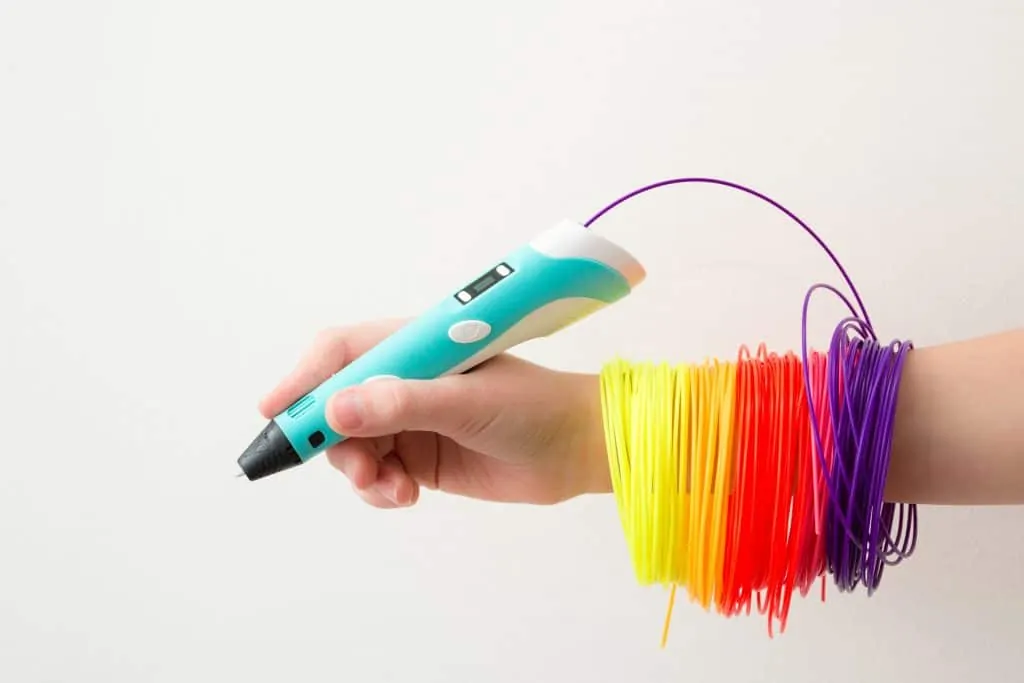
The filament on these pens is usually loaded from the back or side, far enough away from the tip that you won’t have any accidental melting. Once the filament is heated and being extruded, you and your little artist/designer can make pretty much anything you want!
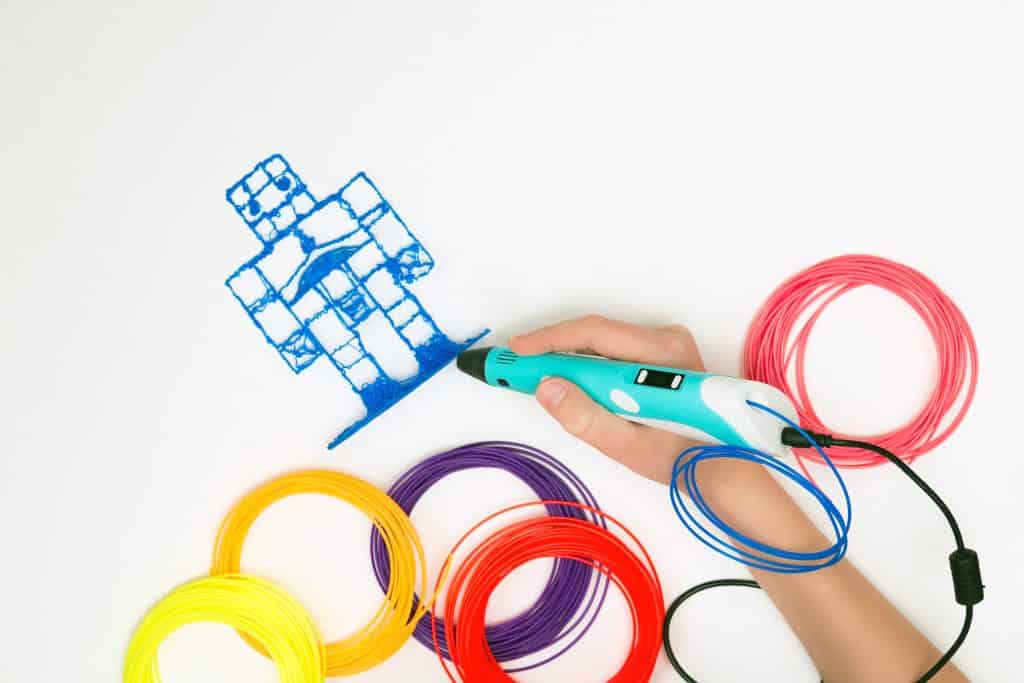
The nice thing about a 3D Pen, as opposed to a 3D Printer, is the level of creativity that you can achieve. Some artists have been able to create amazingly beautiful pieces using nothing but a handheld 3D Pen.
3D Printing requires precision and attention to detail with little room for error due to the length of time printing can take. With a 3D Pen, if you make a mistake, you just scrap that piece and start over! (Otherwise known as debugging for your creative side!)
Did you know how important creativity is to teaching your kids code? Creativity and imagination both play a huge part in computational thinking skills which include everything from pattern recognition to critical thinking.
Encouraging your kid coder(s) to imagine, create, and try something new isn’t just a good idea, it’s essential for cultivating the perseverance and problem-solving skills their brains will need later in life!
With all this information about 3D pens for kids, you might be feeling a bit overwhelmed. There are a lot of options out there, so it might help if you narrow your search by asking yourself a few questions.
Common Questions when Choosing the Best 3D Pen
Who will be using the 3D Pen?
There is a big difference in a 3D Pen built for a child vs. one built for an adult. Most companies will tell you in the product description who the pen is made for. The 3Doodler Start set is a great way for kids to get into 3D design, but the pen can be hard for an adult to hold.
On the other hand, the 3Doodler Create set is perfect for adults, but the need to stay plugged in and the higher heat point of the pen tip make it a less-than-ideal choice for kids.
Does the 3D Pen have to stay plugged in?
Some 3D Pens have to stay plugged in during use. As you can imagine, that can be a detriment to some artists. Others, like this TECBOSS SL300, can charge, then be disconnected from power for use.
There does seem to be a connection between the power source and filament type, however, which is something to keep in mind. This brings up the next point;
How do filaments work on 3D pens?
A 3D Pen is only as good as the filament that comes out of it. Most pens can handle at least two kinds of plastic; the more brittle ABS and the softer PLA. The best 3D pen filament will depend on the project and your pen.
Some pens can go even farther and are able to use materials made out of things like wood, algae, and nylon. Just expect the less-common filaments to cost you a bit more.
In fact, plan on paying a bit more for 3D Pen filament anyway. Most of the time they come in packages with a variety of colors, and we all know some colors will be more popular than others. (Sorry, gray.)
When comparing 3D Pens, make note of how much the filament refills are from the start. That cost might make a mid-priced item suddenly much more expensive!
What is the purpose of the pen?
Hopefully, you are reading this to get ideas on being creative and helping expand your little coder’s capacity for creativity. Teach your kids to be creative with something you can afford. There are benefits and drawbacks to every 3D Pen, so go with whatever pen you feel most comfortable with.
This MYNT3D Professional Printing 3D Pen would be wonderful for older kids. So would the 3Doodler Create set. These two products are pretty similar, so it might come down to a difference in the price of shipping and handling.

What you need to decide on before you start looking is what you are hoping to teach your kids with a 3D Pen. That purpose might push you towards one pen or another. Once you have thought through these questions, you can start looking for a specific 3D Pen that will meet your needs.
The best 3D pen for young children is the 3Doodler Start as its covered tip reduces the risk of burns from the hot filament. We have a beginner 3D pen tutorial that takes you through the basics of using this pen.


When it comes to teaching your kids code, one of the essential elements is to HAVE FUN! Be creative, be silly, use your imaginations, and play! Use 3D Pens to create something you never could have before, and help your little coder get creative!
The skills of critical thinking and problem-solving (not to mention visualization and planning) have benefits in so many areas of life besides coding skills.
Teaching your kids code and getting creative with a 3D Pen just happens to be some ways to reinforce those skills in a creative, engaging, and hands-on way! What will you and your little one create with your 3D Pen?
Best 3D Pens for Kids
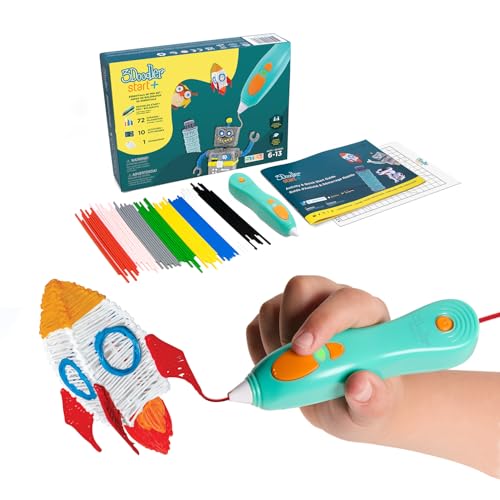
- [THE ONLY CHILD-SAFE 3D PRINTING PEN] Designed with no hot parts, completely safe for kids aged 6+. Pen nozzle and plastic can be touched with no burn risks. Uses only the safest 3Doodler Start plastic filaments.
- [UPGRADED EXPERIENCE with MORE PLASTICS & STENCILS] Slimmer and easier to hold, charges 50% faster, has 50% more 3Doodler Start filament, 10 new stencils and an added safety stand-by mode. All these upgrades are made for the best 3D drawing experience.
- [FUN & SCREEN-FREE LEARNING TOOL] Cut back on children's screen time with 3Doodler Start+ and let them enjoy hours of play and learning as they make real-world connections to a variety of STEM concepts in a matter of seconds.
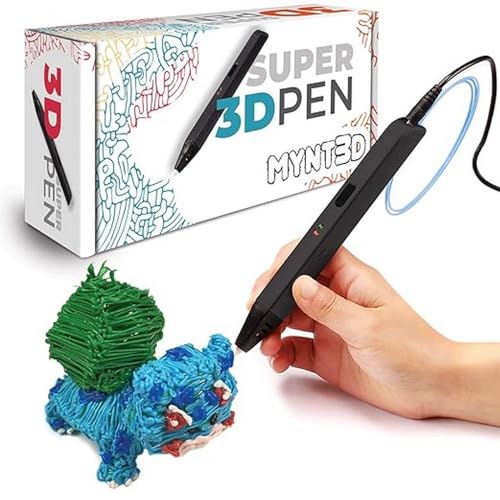
- Turn your ordinary drawings into 3D works of art
- Stepless speed slider lets you regulate flow for optimal control of material while you're drawing
- New: ultrasonic sealed nozzle is nearly clog-proof and provides market leading durability
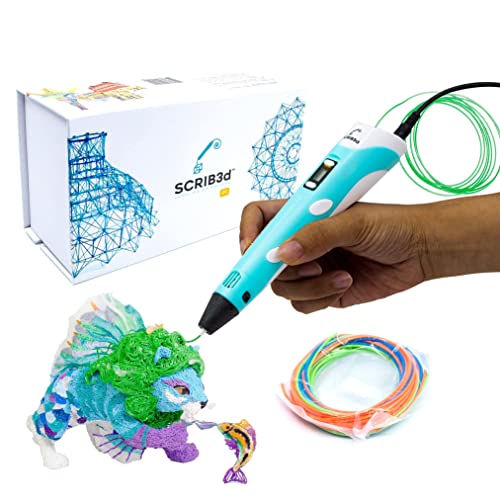
- [FOR CREATIVE PROJECTS] Create, draw, doodle, and build in 3D with this versatile, high-quality 3D pen. The SCRIB3D P1 enhances spatial thinking, creativity, and artistic skills. Ideal for collaborative projects, handmade creations, decorations, or everyday repairs. The P1 features a stepless speed function for precise control, whether working on detailed designs or faster infill tasks.
- [READY-TO-USE KIT] Includes 3 colors (30 feet) of PLA plastic to keep you Doodling for ages, as well as a power adapter, step-by-step manual, and a free stencil guide. Just plug in, heat it up and enjoy the fun of creating three-dimensional masterpieces. PLA is a versatile, easy-to-use printing plastic that is great for both first time and advanced users.
- [BEGINNER FRIENDLY] Plug the adapter into the back of the pen and choose your filament. The red light will turn on indicating warm up, this will take about 2-3 mins. Double click the forward button to start and feed the filament through the back of the pen. Once the filament has reached the nozzle of the pen, click forward to stop. Press and hold the forward button or double click for a continous flow. Once you have completed your design, press and hold the reverse button to retract filament.
Beginner 3D Pen Tutorial
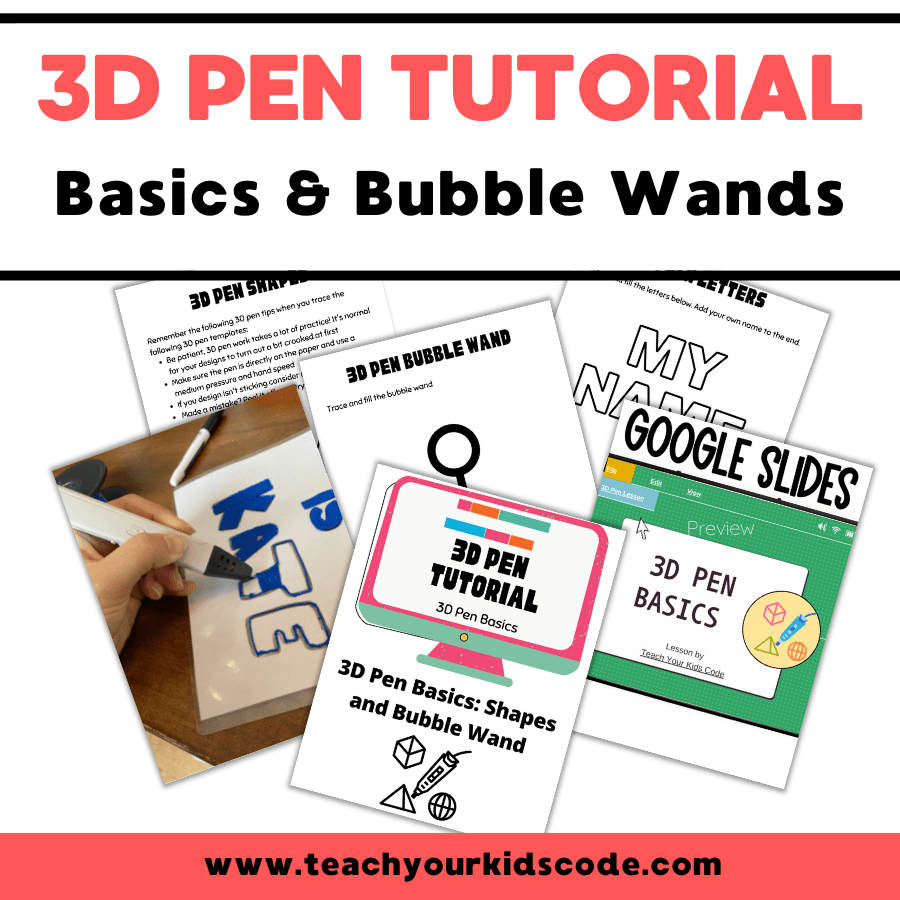
Have a 3D pen but not sure how to get started? Want to introduce 3D pens to your classroom? Our comprehsnsive step-by-step 3D pen tutorial will show you how to get started tracing shapes, letters and designing your own bubble wand.
Frequently Asked Questions about 3D Pens
Yes! Kids can have fun creating with 3D pens. Kids will learn creative thinking, spatial visualization and problem solving with a 3D pen.
We recommend 3D pens for kids age 6+. Kids as young as 6 can enjoy creating with a kid-friendly 3D pen.
We love the 3Doodler create for beginners starting out with 3D design. This pen is the perfect choice for beginners.
We love the 3Doodler start for kids starting out with 3D design. This pen is the perfect choice for little hands!
Pin for later!
Kate is mom of two rambunctious boys and a self-proclaimed super nerd. With a background in neuroscience, she is passionate about sharing her love of all things STEM with her kids. She loves to find creative ways to teach kids computer science and geek out about coding and math. She has authored several books on coding for kids which can be found at Hachette UK.




I like the black MYNT3D Super 3D Pen, 1.75mm ABS and PLA Compatible 3D Printing Pen