
HTML for Kids: A Fun Tutorial on Webpage Creation
This post may contain affiliate links. As an Amazon Associate, I earn from qualifying purchases.
Are you ready to embark on an exciting journey into the world of web development? In this blog post, we’ll take a look at HTML for kids, a fantastic way for young learners to get started with building their own webpages. Whether you’re a parent looking to introduce your child to a valuable skill or a teacher seeking engaging educational resources, our HTML tutorial for kids is the perfect solution.
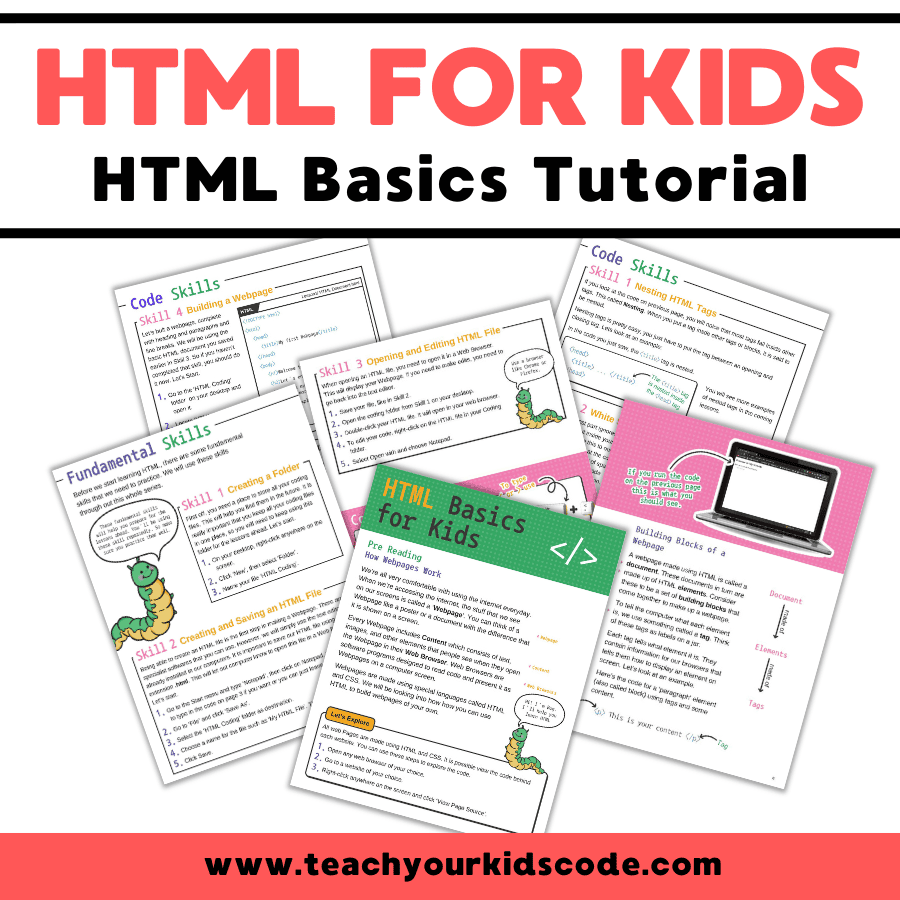
Understanding How Webpages Work
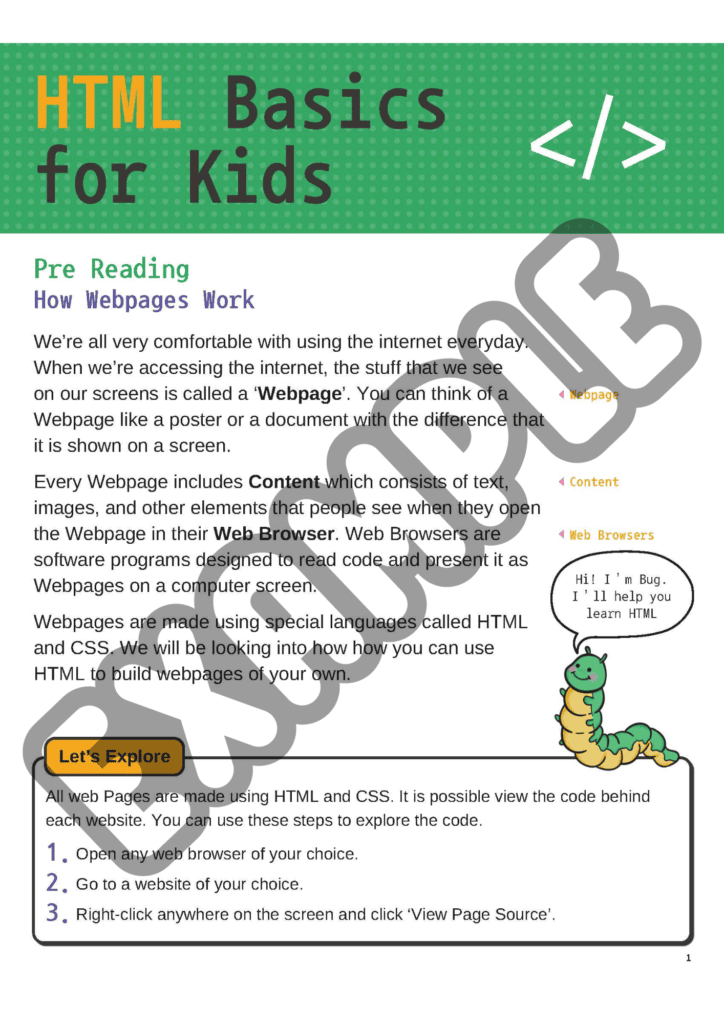
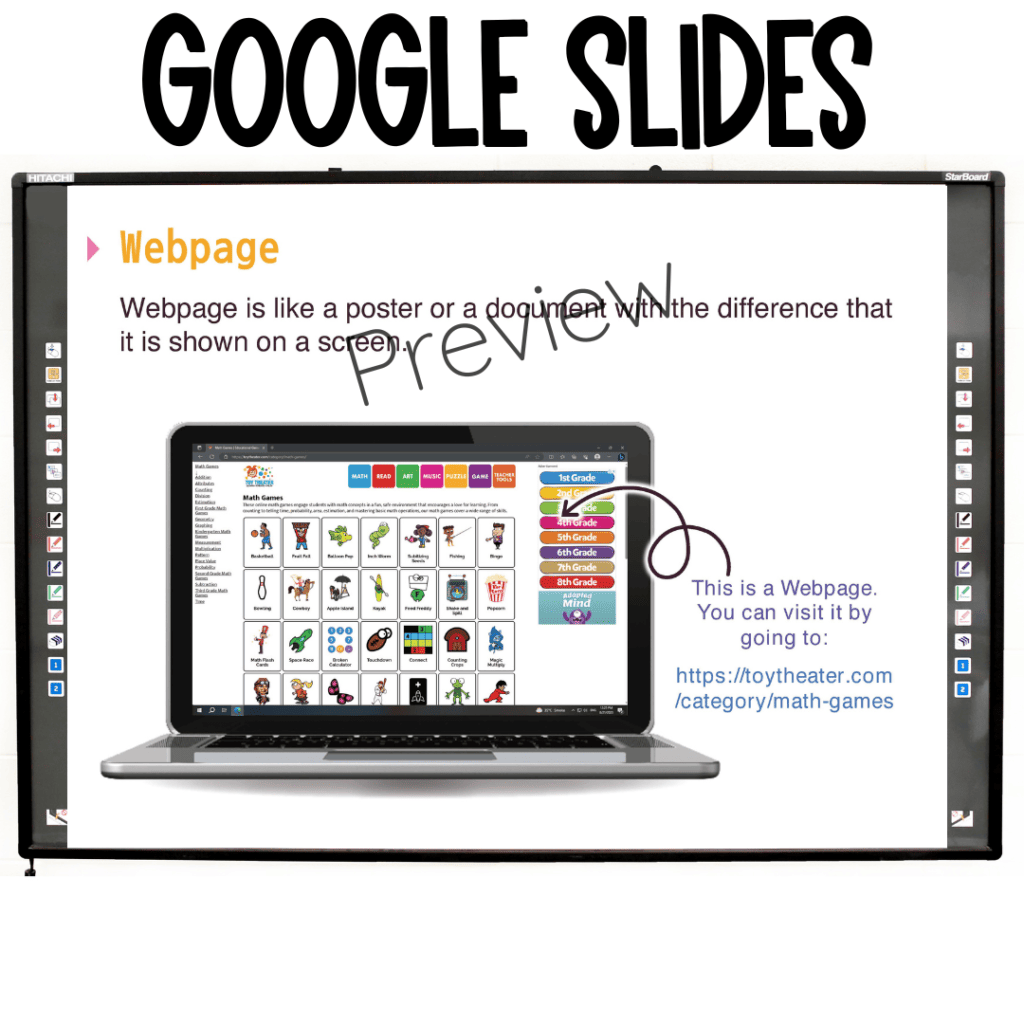
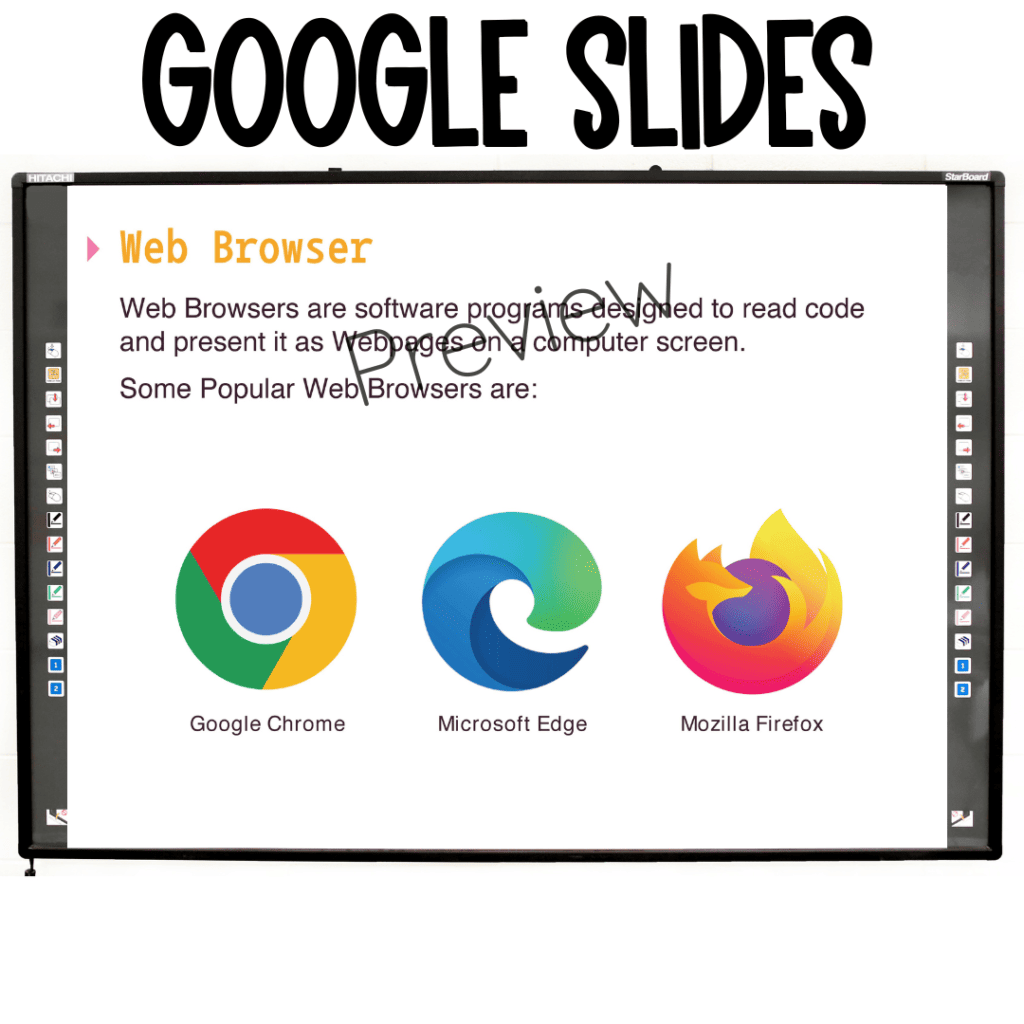
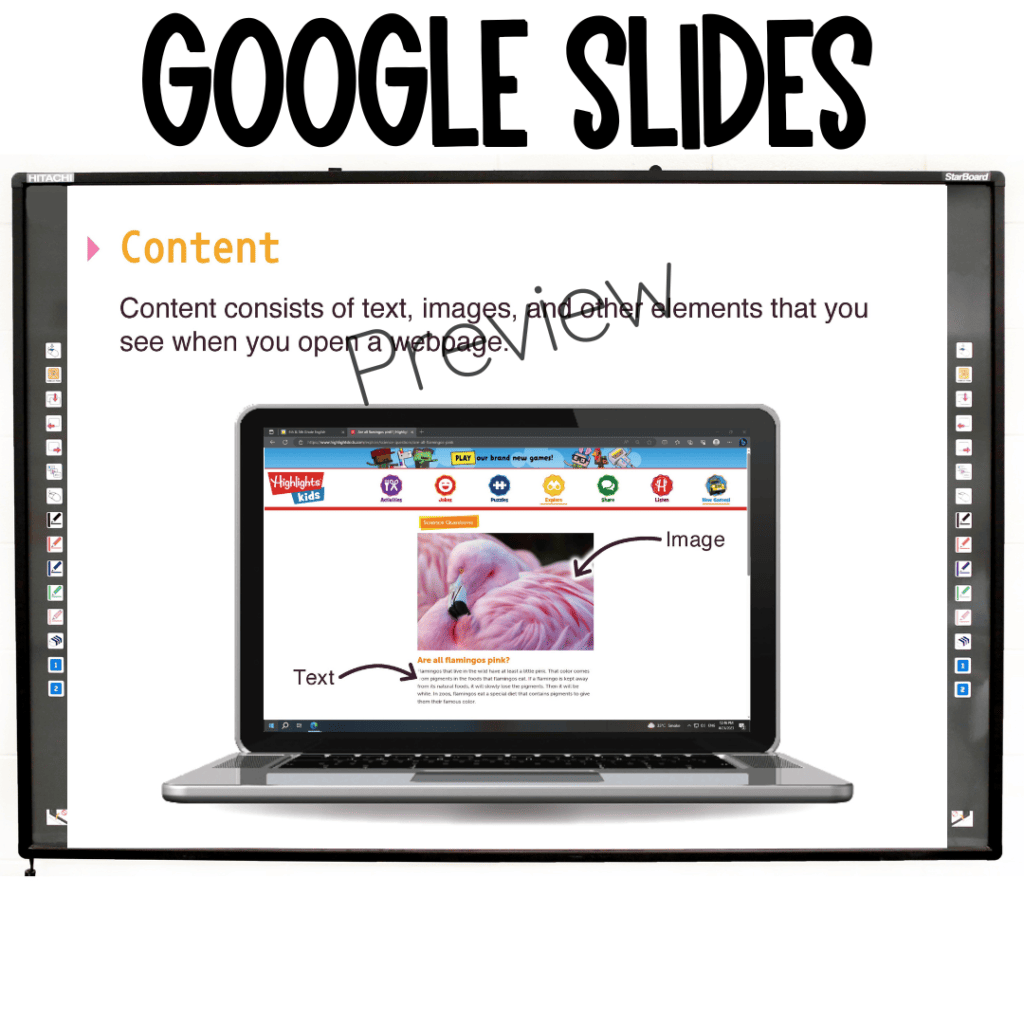
Before diving into the nitty-gritty of HTML, it’s essential to understand how webpages function. Webpages are what we see when we use the internet, like digital posters or documents displayed on our screens. These webpages are made up of various elements, such as text, images, and more. Web browsers, like Chrome or Firefox, are software programs responsible for interpreting the code and presenting it as the webpages we view.
Tip: You can explore the code behind any webpage by right-clicking and selecting ‘View Page Source’ in your web browser.
Building Fundamental Skills
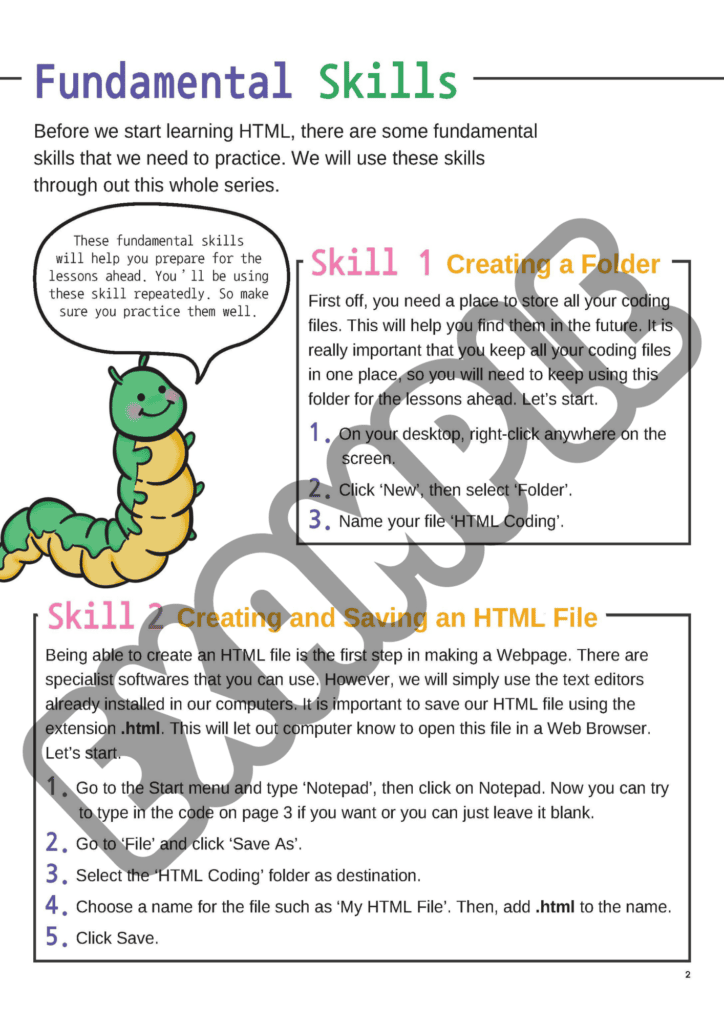
Our HTML basics for kids tutorial starts by teaching some fundamental skills that are crucial for creating webpages. These skills are the building blocks for future lessons:
1. Creating and Saving an HTML File: The first step in making a webpage is to create an HTML file. We’ll show you how to do this using simple text editors, ensuring your file has the correct ‘.html’ extension.
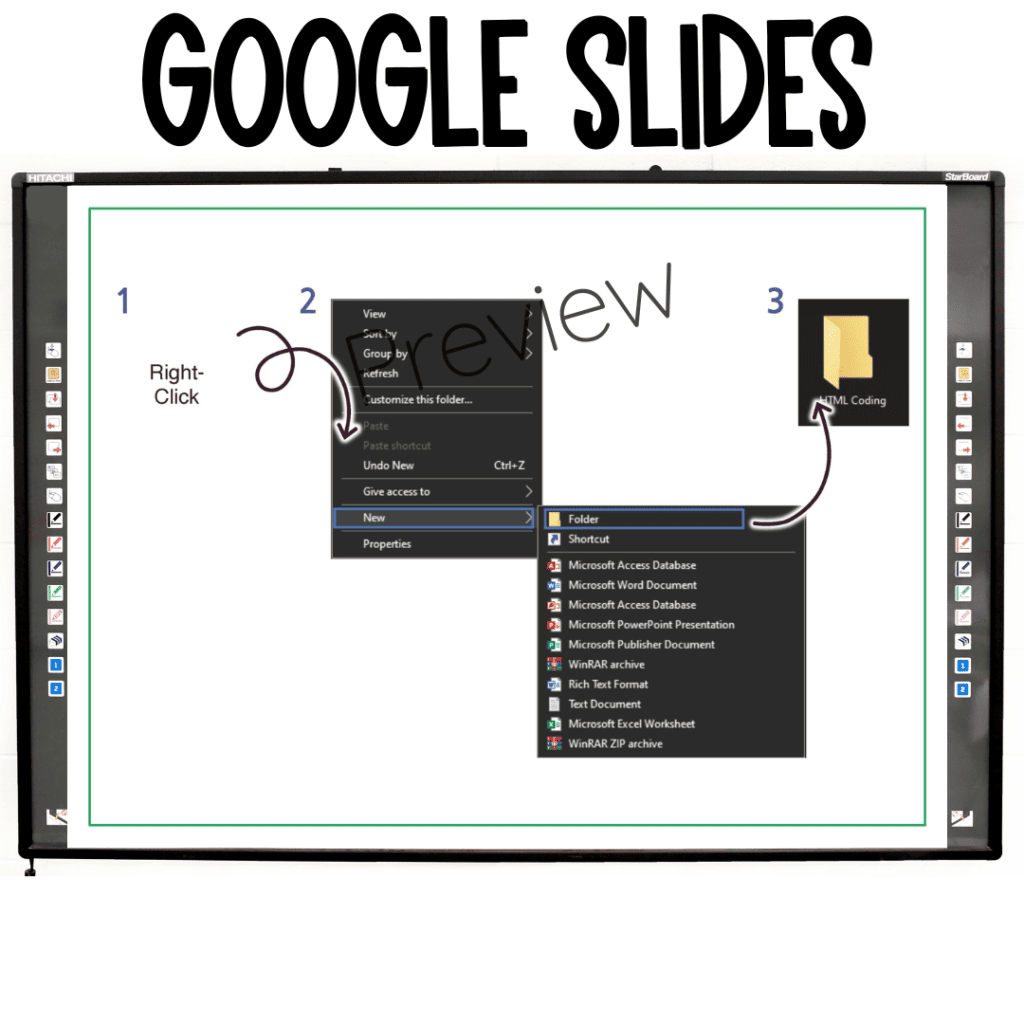
2. Creating a Folder: To keep your coding files organized, you’ll learn how to create a folder called ‘HTML Coding’ where you can store all your coding-related files.
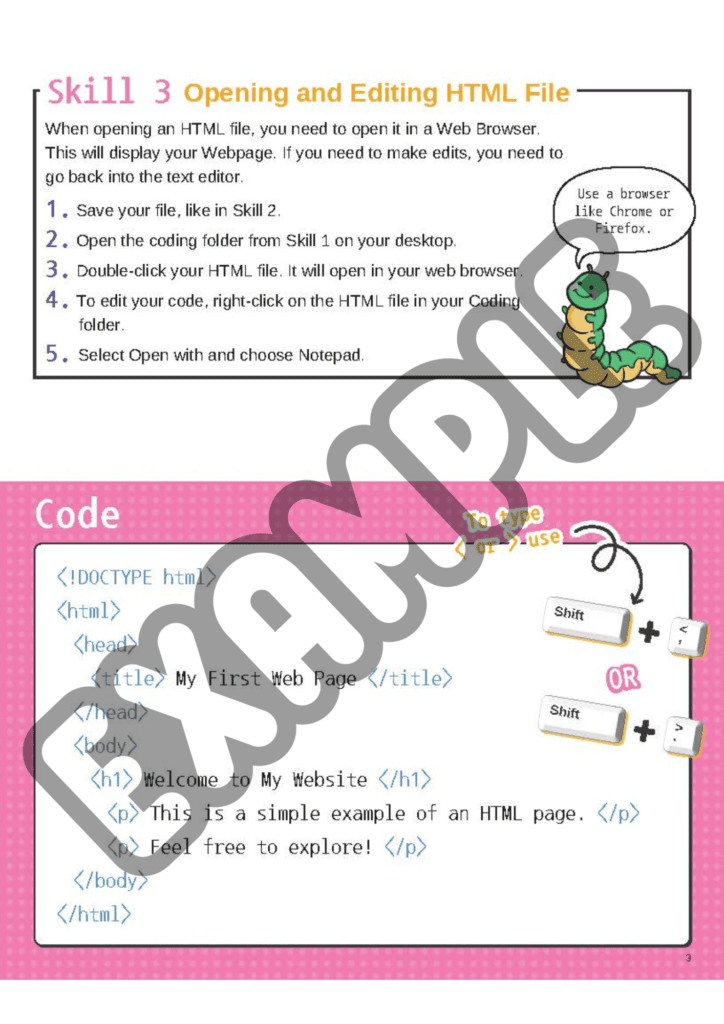
3. Opening and Editing HTML Files: Discover how to open HTML files in a web browser to see your webpage and, if needed, how to edit the code using a text editor.
Exploring HTML Tags
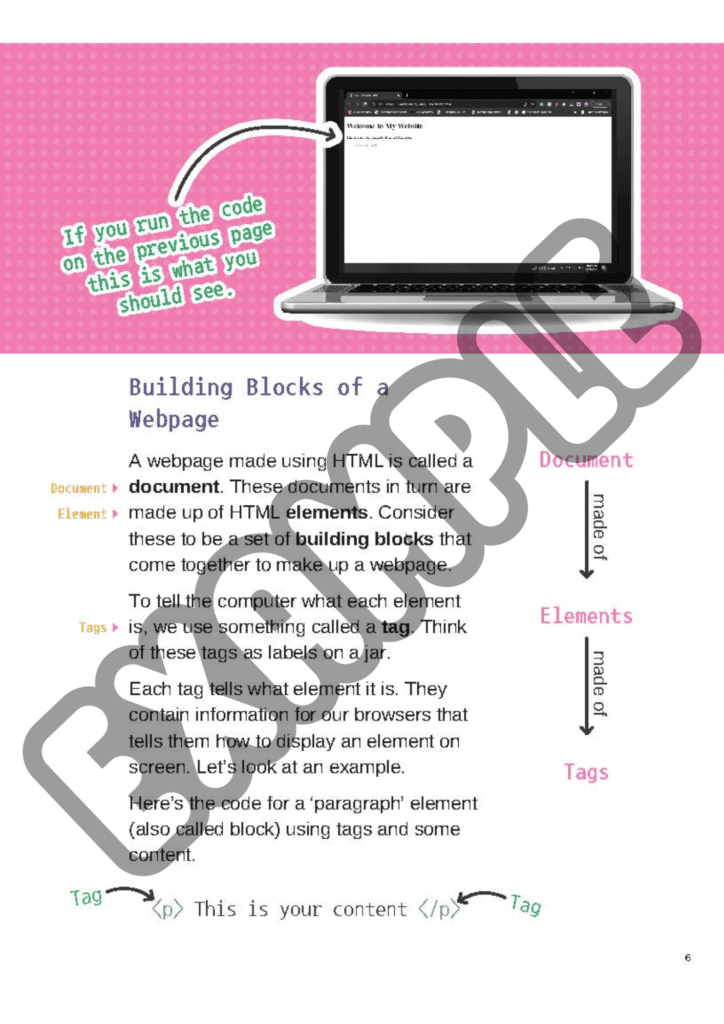
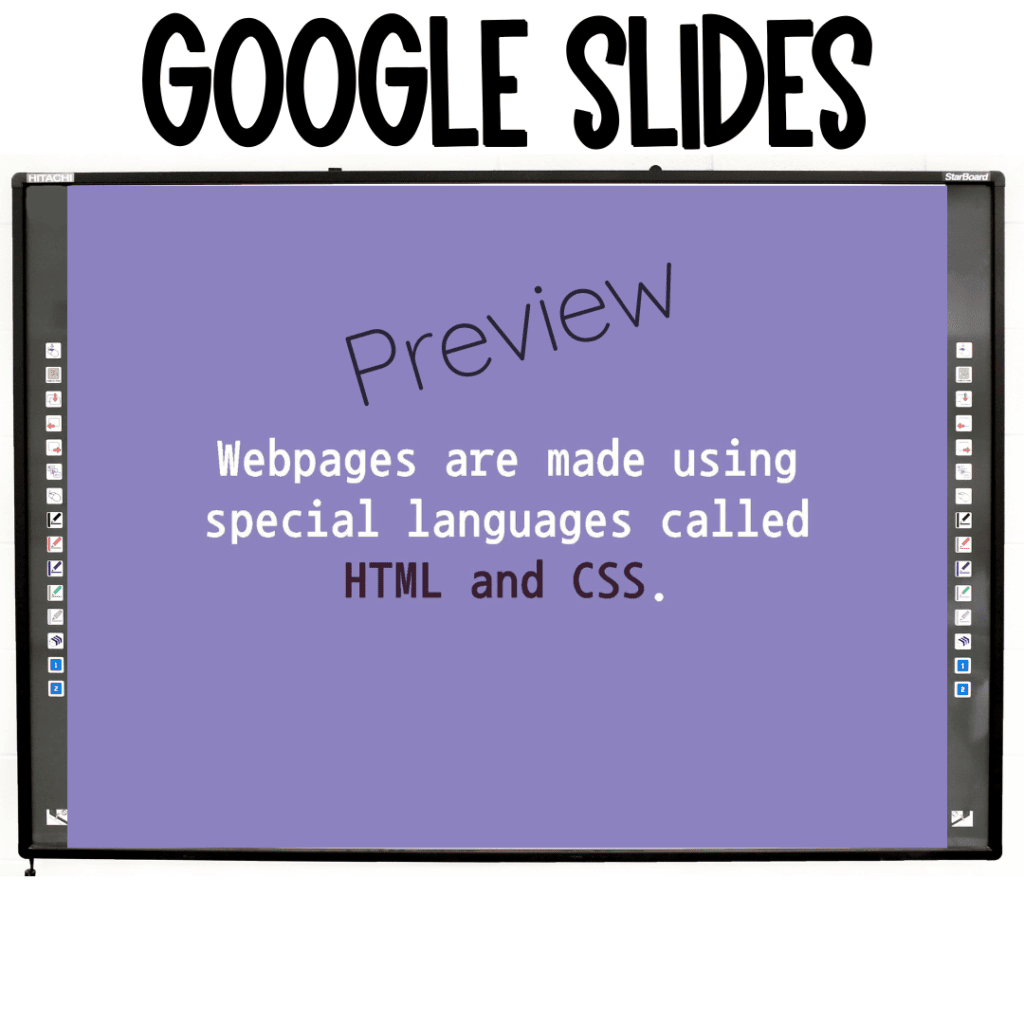
HTML, which stands for Hyper Text Markup Language, is the language used by programmers to create webpages. It’s like a set of building blocks that come together to make up a webpage. These building blocks are defined using HTML tags. Let’s take a closer look:
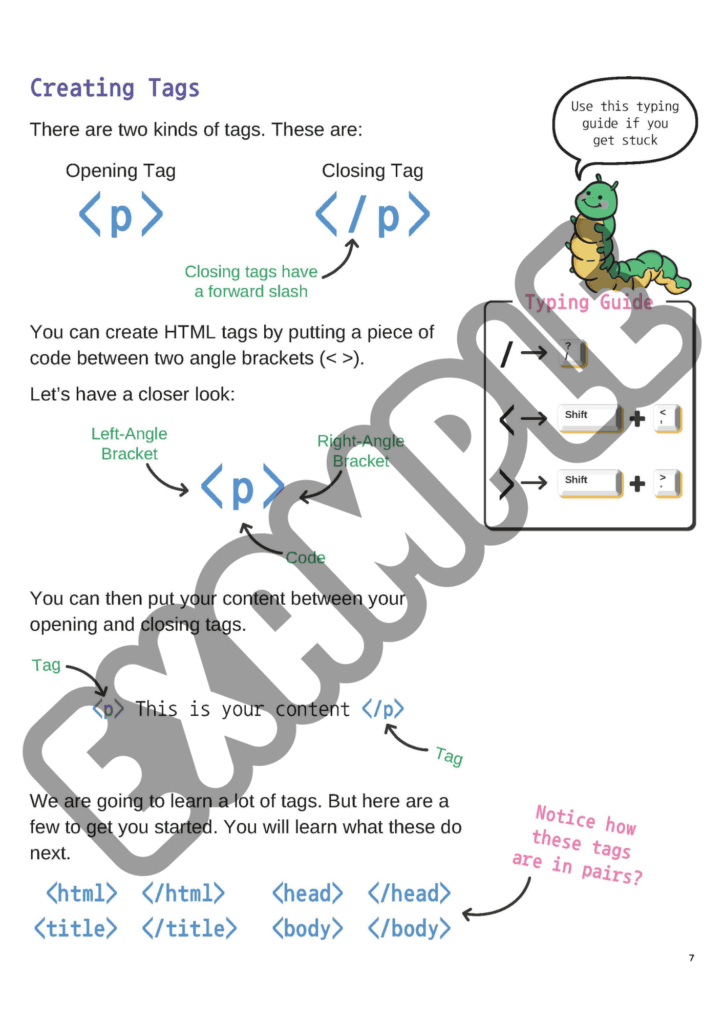
Tags: Tags are like labels on jars, helping the computer understand what each element is. Tags come in pairs: an opening tag, like <p>, and a closing tag, like </p>, which surround the content.
Creating Tags: Tags are created by placing a piece of code between angle brackets. For example, <p> is an opening tag, and </p> is a closing tag. You’ll learn various tags to structure your webpage.
Building a Basic HTML Document
Once you grasp the concept of HTML tags, it’s time to build your first HTML document. The basic structure of an HTML document includes:
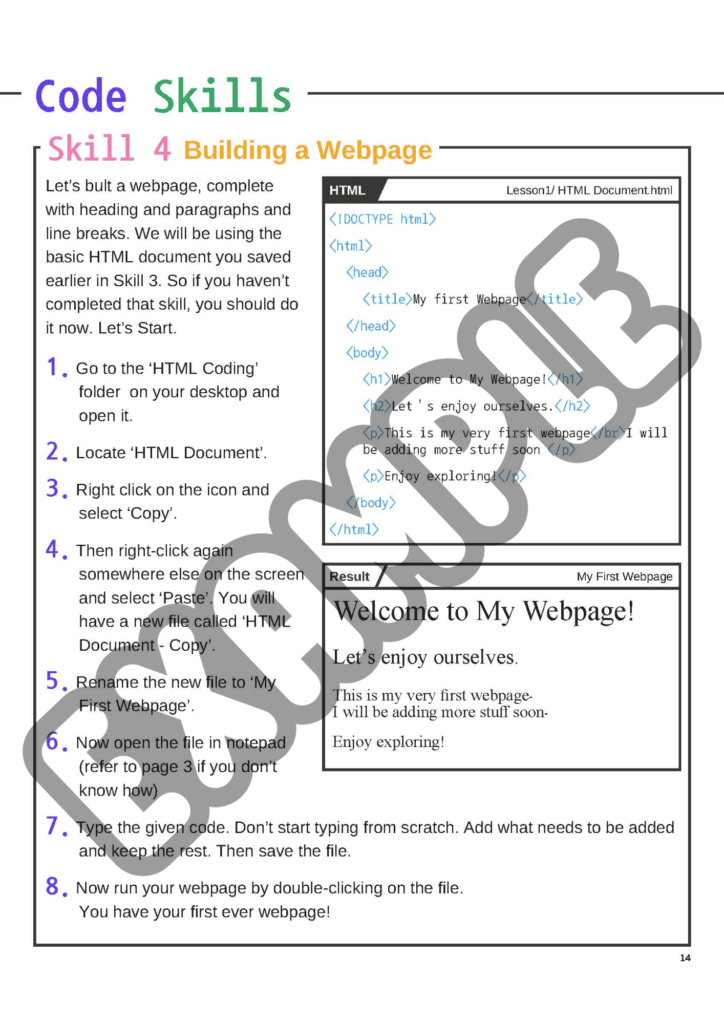
<!DOCTYPE html>: This declaration tells the browser that the document is an HTML file.<html>and</html>: These tags enclose the entire HTML content.<head>and</head>: The header block contains important information for the browser but isn’t displayed on the webpage.<body>and</body>: The body block is where you put your webpage’s content.
Creating your first HTML document is an exciting step toward becoming a young web developer.
Adding Content to Webpages
Now that you have a basic HTML document, it’s time to add content to your webpage. This involves using various tags like headings, paragraphs, and line breaks. For example:
<h1>to<h6>tags are used for headings, with<h1>being the largest and<h6>the smallest.<p>tags create paragraphs.<br/>tags add line breaks within paragraphs.
By combining these tags, you can create structured and visually appealing web content.
Practice Makes Perfect
To reinforce what you’ve learned, our tutorial includes hands-on exercises. You’ll practice creating webpages, structuring content, and experimenting with HTML tags. These exercises ensure that you gain practical experience and build confidence in your coding skills.
Ready to Create Your Own Webpage?
Our HTML basics for kids tutorial is packed with fun and interactive lessons that will turn you into a budding web developer. Whether you’re curious about coding or looking for an educational resource for kids, our product will help you or your child embark on an exciting HTML journey.
What’s Included? HTML for Kids tutorial
Take the next step in your coding adventure by accessing our complete tutorial, including a 20-page PDF lesson with exercises and a 70-slide Google Slides/PowerPoint tutorial. Start building your web development skills today!
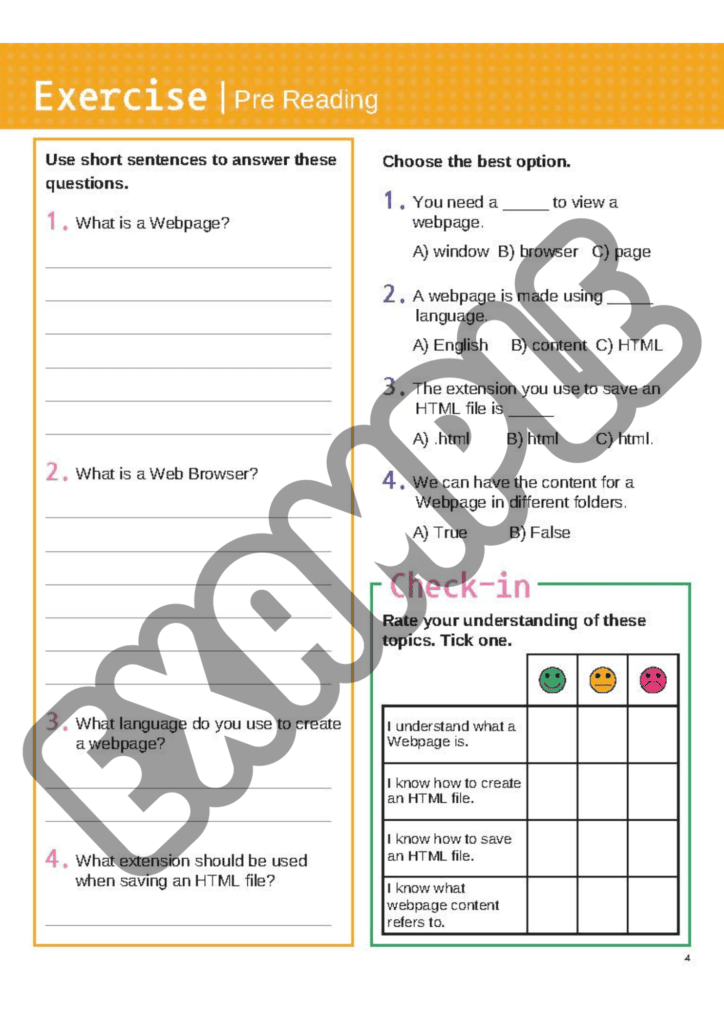
Example Pages from our HTML Basics Tutorial:
Examples Slides from our HTML Basics Tutorial:
Remember, the journey of a thousand websites begins with a single HTML tag. Happy coding!
Want to learn more coding fundamentals?

Kate is mom of two rambunctious boys and a self-proclaimed super nerd. With a background in neuroscience, she is passionate about sharing her love of all things STEM with her kids. She loves to find creative ways to teach kids computer science and geek out about coding and math. She has authored several books on coding for kids which can be found at Hachette UK.


